
Free Resources
Free Brushes & Resources
Free brush sets, texture packs, and color palettes to use in your own work. No account, no email, no catch. The same spirit as the original Bio Rust downloads library, rebuilt for Procreate, Krita, Clip Studio and Photoshop.
The free resources here recover the spirit of the original Bio Rust downloads library: useful tools, given away, no strings. Two brush sets, a texture pack and a palette collection, each documented on its own page with what is inside, the settings that matter, a short workflow and the problems people hit. They ship as free Procreate brushes and swatch files, with matching versions for Krita, Clip Studio and Photoshop. Every set is free to use in personal and commercial work with no account and no attribution required.
One honest note before the list. The download bundles are still being finalized for public release, so the buttons on each page show a notice rather than a file. The resource pages are complete, and they are worth reading now because each one is also a short lesson in how the tool is meant to be used.
The four sets
| Set | What it is for | Count |
|---|---|---|
| Ink and lineart brushes | Tapered inkers, a weighted contour brush, liners and accents for character line work | 12 brushes |
| Painterly brushes | Hard and soft rounds, blenders, bristle and chalk brushes for blocking, blending and rendering | 16 brushes |
| Paper and canvas textures | Tileable grain overlays applied last at low opacity for a made by hand surface | 10 textures |
| Muted color palettes | Value ordered low saturation palettes for skin, fabric, atmosphere and neutrals | 20 palettes |
The ink and lineart brush set is twelve smooth, opaque, pressure tapered brushes with no texture, built around the idea that one inker used for a whole piece beats a dozen used at random. Its page gives starting sizes, spacing and stabilizer settings for a 3000 px canvas and a forty minute inking sequence for a character bust.
The painterly brush set is sixteen brushes in three groups, block, turn and render, with the rule that a finished painting needs about three of them. The paper and canvas texture pack is ten tileable grains leveled to mid grey so that Overlay or Soft Light at 10 to 25 percent adds tooth without shifting a single value. The muted color palette collection is twenty eight-swatch palettes ordered light to dark, with a saturation ceiling for each family and a workflow for replacing greys with swatches at the same value.
Which set to start with
If you draw characters, start with the inkers: a good inker is the tool you will use on every piece, and the tapered strokes were built for the upper lash line in how to draw anime eyes. If you paint, take the painterly set and the palettes together, because the palettes are value ordered to drop straight into the three grey block-in from values before color. The textures are a finishing touch for either, added last.
New to installing brush sets? The getting started guide to the free brushes walks through importing a set, tuning the pressure curve before you judge a brush, and keeping a brush library small enough to stay consistent from piece to piece. Read it once and the four resource pages make more sense.
What the license means in practice
You can use everything here in client work, prints, book covers, games, and anything else you make, without crediting Bio Rust. The single restriction is that you cannot repackage the files themselves and sell or give them away as your own pack. The full wording lives in the terms of use for tutorials and resources.
Tools, not shortcuts
A brush set does not paint for you. These are the same kind of tools artists have always shared with each other: a good inker, a reliable blender, a grain that feels like paper, a palette that will not fight. The skill is still in the decisions you make with them, which is what the digital painting fundamentals pillar teaches. Consistent tools also leave a consistent trace in your layered files and timelapses, one more visible signature of a hand at work when you need to show how a piece was made.
The sets, and the guide to installing them
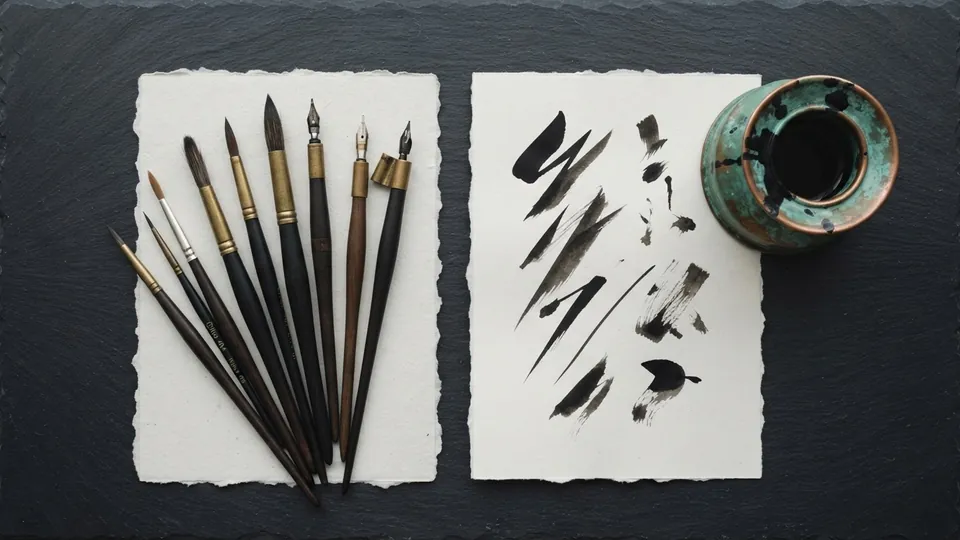
Plate 01 Ink & Lineart Brush Set
Twelve crisp tapering brushes for character line work. Natural pressure taper, minimal texture, and one inker you can use for a whole piece.
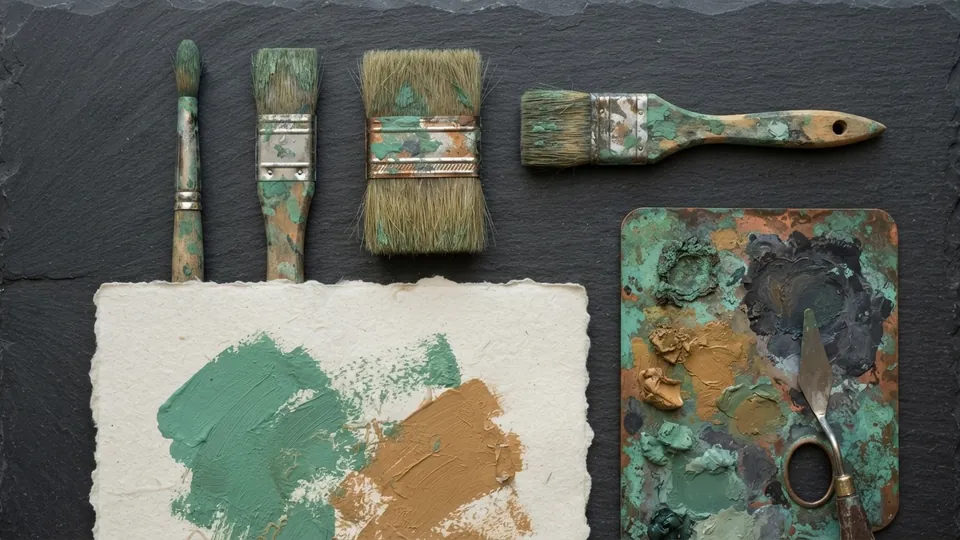
Plate 02 Painterly Brush Set
Sixteen textured round brushes for blocking, blending, and rendering in digital painting. Most finished pieces need only three of them.
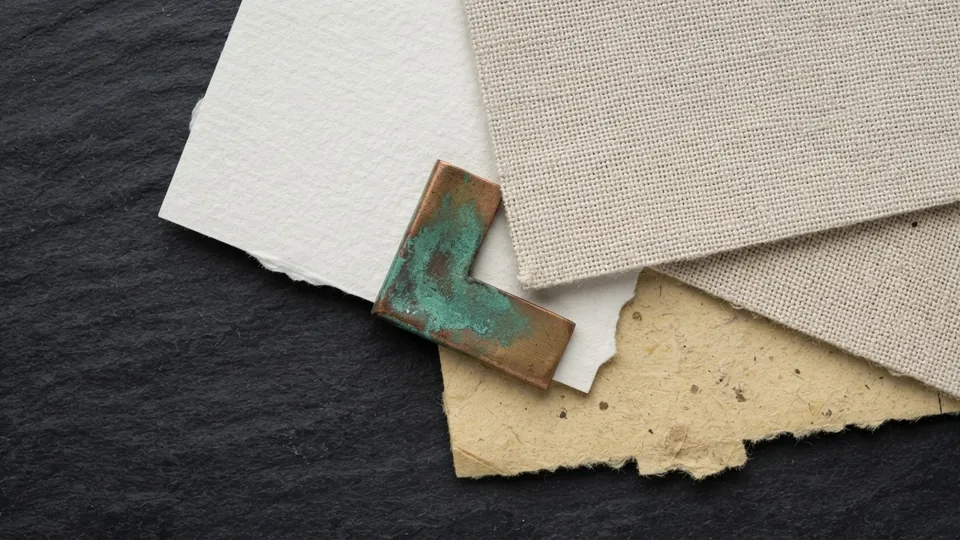
Plate 03 Paper & Canvas Texture Pack
Ten tileable grain overlays to give digital work a made by hand surface. Set to Overlay or Soft Light at low opacity, applied last.
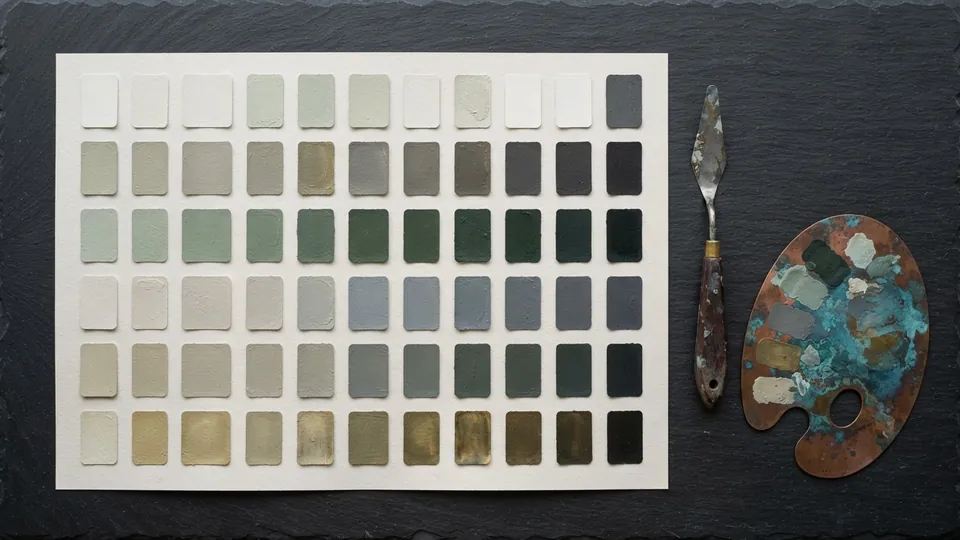
Plate 04 Muted Color Palette Collection
Twenty considered palettes in low saturation ranges for skin, fabric, and atmosphere. Eight swatches each, ordered from light to dark.
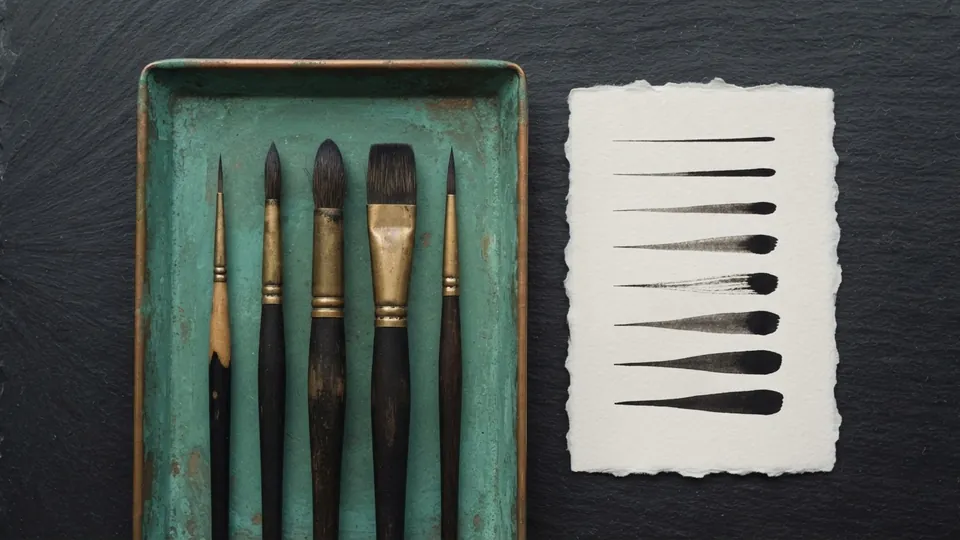
Plate 05 Free Brushes: Getting Started With the Sets
Which of the free Bio Rust sets suits which job, how to import them into Procreate, Clip Studio and Krita, how to tune pressure, and how to keep a small brush library you actually use.
Common questions
How can I get free brushes for Procreate?
Each set on this site has its own page with a download button and a notice that the bundle is being finalized for public release. Once live, import the file through the Procreate Brush Library and it appears as its own group. No account, no email and no attribution are required, for personal and commercial work.
Are these free Procreate brushes also available for Krita, Clip Studio and Photoshop?
Yes. Each set ships in formats for all four apps. Textures and palettes are ordinary image and swatch files, so they work anywhere. Bristle and texture brushes depend on each app's engine and differ slightly between them, but the sizes, opacities and spacing on each page hold in all four.
Which free brush set should a beginner start with?
The ink and lineart set if you draw characters, because one tapered inker is the brush you will use on every piece. The painterly set with the muted palettes if you paint, since the palettes are value ordered to match the block-in method. Add the textures last, once the piece is finished.
Can I use the free brushes and palettes in commercial work?
Yes. Everything in the library is free for personal and commercial projects with no attribution required. The only restriction is on the files themselves: do not repackage and resell or redistribute the brushes, textures or palettes as your own pack. The terms of use page has the full wording.
Related reading
- Free Brushes: Getting Started With the SetsWhich of the free Bio Rust sets suits which job, how to import them into Procreate, Clip Studio and Krita, how to tune pressure, and how to keep a small brush library you actually use.
- Terms of useWhat you can do with the tutorials and free resources.
- Digital Painting pillarRender light and color with intent.
- Image Metadata for ArtistsEvery image carries hidden fields beside its pixels. Fill the ones that claim your work, strip the ones that leak your location, and test what each platform keeps.